
Silent Hill: Townfall stutter and crashes on PC
Konami has said a patch for the Steam version’s performance is on the way, with no date yet. Until it lands, the only help is what players have tried on their own machines, collected below with each player’s own words.
Konami’s notice on Steam: “We are currently working on an update patch to address performance-related issues affecting the Steam version.” On timing, it adds “We will announce the release date as soon as it is confirmed.” Posted as Steam notice: Upcoming Update PlansWhat would change this: patch notes on the game’s Steam news page.
What the publisher says to try first
Annapurna, one of the game’s two publishers, pinned a troubleshooting post on the Steam forum while work on performance updates continues. Three fixes, each for a named problem:
- Buttons firing twice, or other controller input trouble: “please disable Steam Input for the game and restart”. The post calls it a known Steam problem that the Steam beta already fixes. Two players on Reddit whose doors would not open found the same switch fixed it, after being told to “disable Steam input in settings > controller”. Also in Reddit r/silenthill: door won't open · and Reddit r/silenthill: stuck at a door
- Repeated crashes on an AMD card: “we recommend disabling Raytracing from the games’ Options menu as a temporary solution”. It says the issue is being looked at with AMD.
- Crashes on an Nvidia card: “Please ensure you have updated to the latest NVidia drivers before launching the game.”
One of these matches what a player had already found, below: ray tracing off on an AMD card. The rest of the board is still single players’ reports. Posted as Annapurna on Steam: troubleshooting steps
How common the problems are
Of the PC problems counted here, stutter comes up most in negative reviews. Of Steam's latest 100 negative English reviews, 18 mention stutter and 13 mention crashes. Steam’s overall label for the game, across every language, now reads “Mixed”; the scores and what critics said are on the review page.
A review counts once however often it uses the word; stutter also catches hitching. Counted from Steam reviews, most recent in English
Find your symptom
Each row is one post about one PC. Two rows saying the same thing are two posts, which may still be one person, and none of them is a guaranteed fix. Try the cheap ones first: letting the game run, verifying the files, turning one setting off.
Stutter that eases after a while
2 postsHitches and high CPU use in the opening stretch, which settle down as you keep playing.
Stutter that does not ease on its own
3 postsHitching that keeps going as you play, for one player even at the lowest settings.
Crashes to desktop
4 postsThe game closes mid-play. One crash log posted in the forum points at the Direct3D 12 ray tracing code.
Black bars at the top and bottom
The game starts with a letterboxed, cinematic frame that, one review says, covers the upper and lower fifths of the screen. Posted in Steam review: stutter at the lowest settings The switch for it sits near the bottom of the graphics options, and one player could only get it to show up this way: “Set the resolution to 1600 x 900, then scroll down almost all the way to the bottom, and the letter box option magically appears.” Posted in Steam discussions: turning off letterboxing
Turning it off does not reach the cutscenes. Another player found the option “that only disables them during gameplay - they still show up during cutscenes”. Posted in Steam discussions: letterboxing in cutscenes
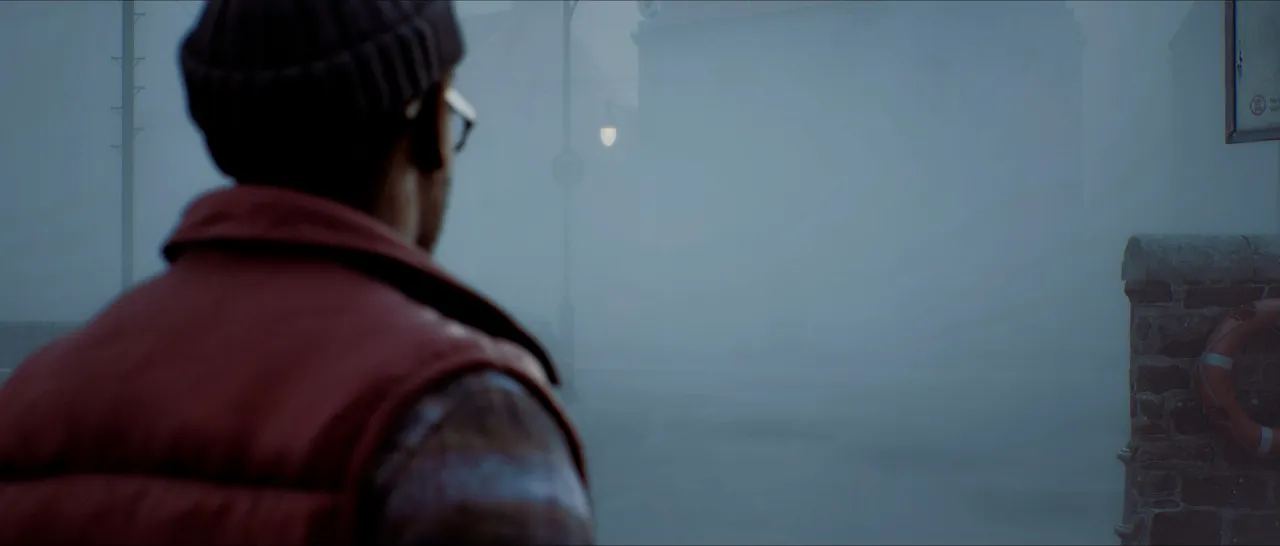
The field of view is narrow by default too; one review calls it “a claustrophobic 80-degree FOV”. Posted in Steam review: stutter at the lowest settings
HDR: no switch in the menus
There is no HDR option in the game’s settings, and players disagree about what happens without one. One says “the game has HDR, it just does not have any toggle for it”; another, who measured the brightness, says “it's 100% not working with hdr”. Both posts are in the same thread, along with mods and config-file edits that this site has not tested. Thread: Steam discussions: HDR?
Things the settings do not have
- Frame generation. One review puts it plainly: “Early on there is a LOT of shader stuttering. Framegen is currently not in the game.” Posted in Steam review: shader stutter, no frame generation
- A crouch that holds on an Xbox controller, for one player: “when you crouch he doesn’t stay crouched”. Posted in Steam review: crouch on an Xbox controller
Bought the Deluxe Edition or pre-ordered, and the extras are missing?
Konami says that one is fixed. Its notice asks players to “please exit SILENT HILL: Townfall, ensure you are connected to the internet, and restart the Steam app.” What the extras are is on the pre-order bonus page. Posted as Steam notice: DLC content not unlocking, resolved
Before you buy on PC
Konami’s notice is about the Steam version. The hardware Steam asks for is on the system requirements page, Valve’s verdict for the handheld is on the Steam Deck page, and the console version is on the PS5 page. Whether the Steam copy carries Denuvo is answered on the Denuvo page.